
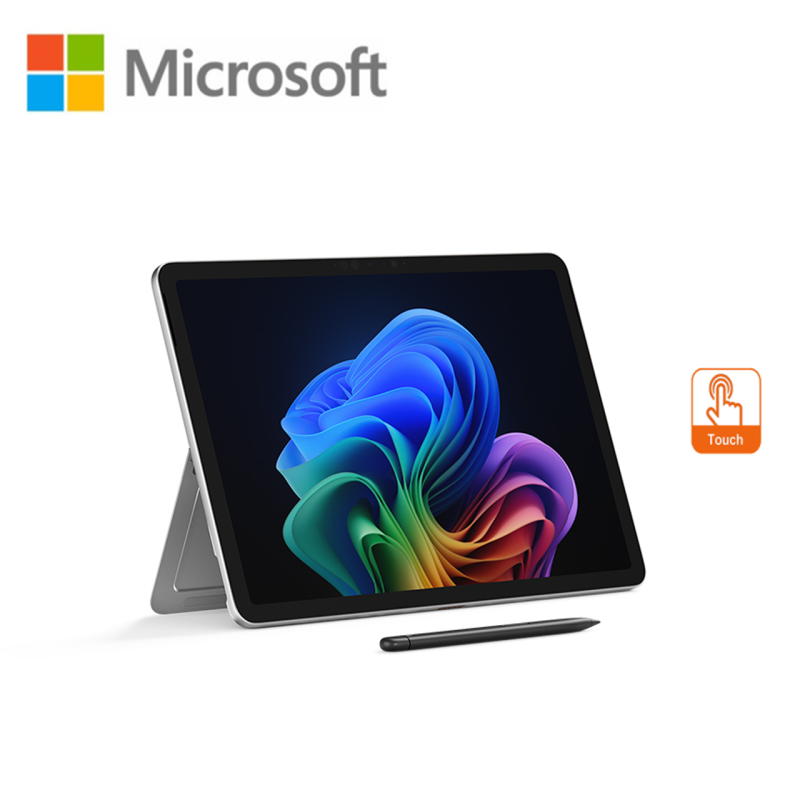
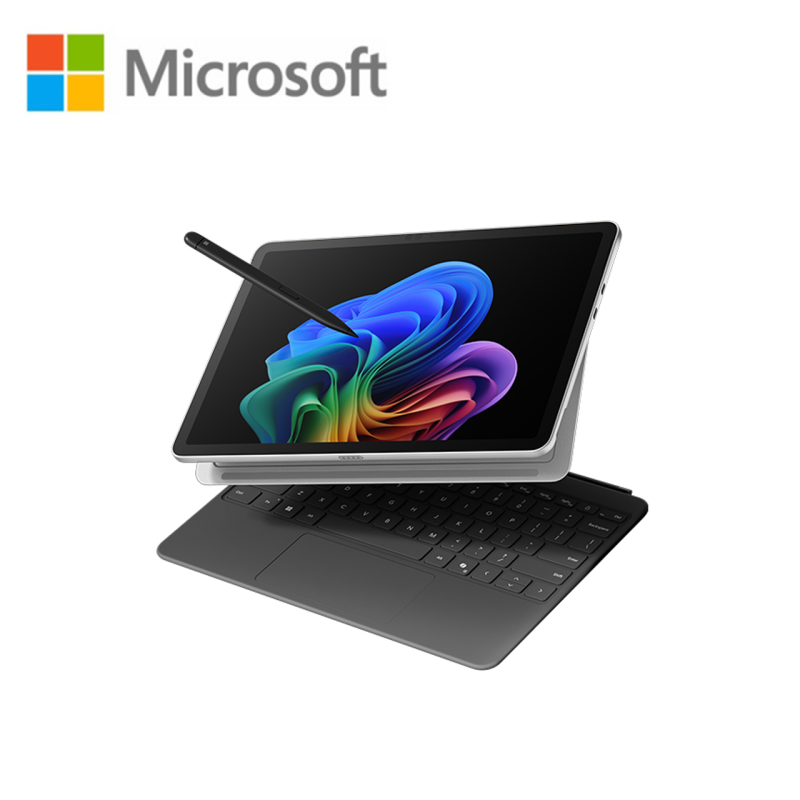
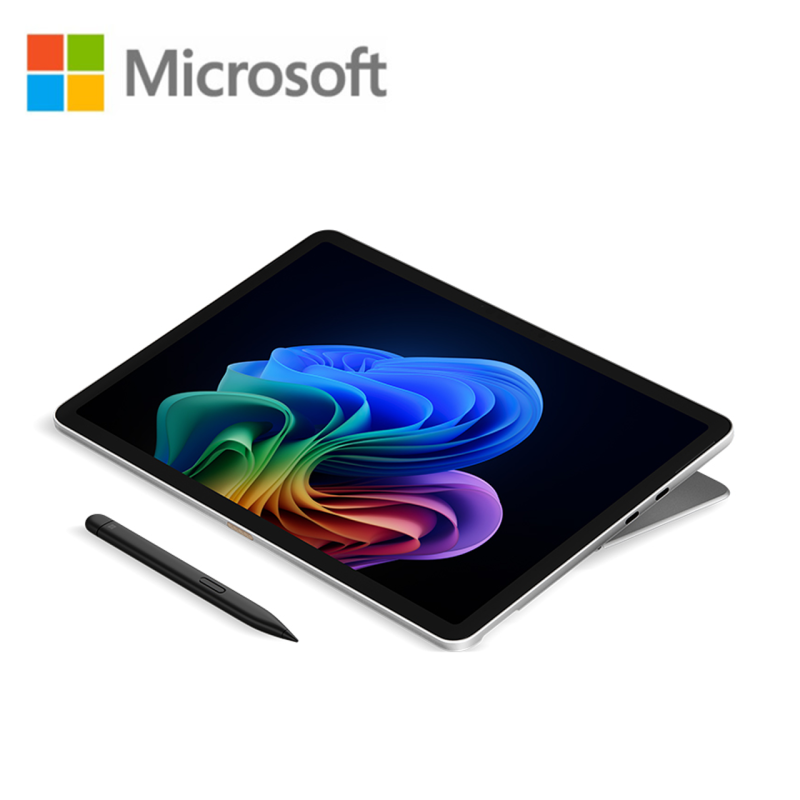
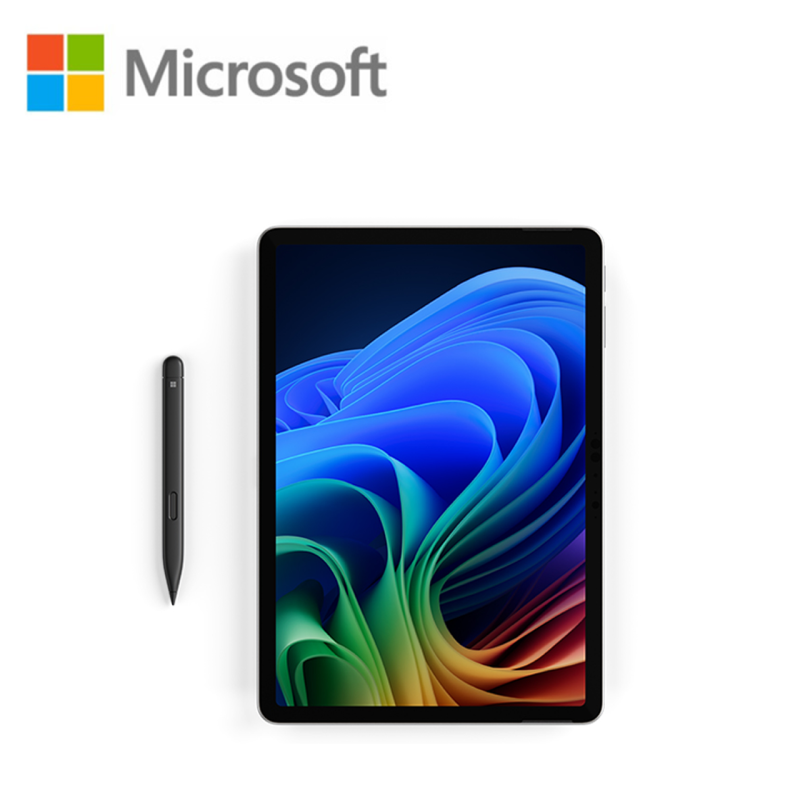
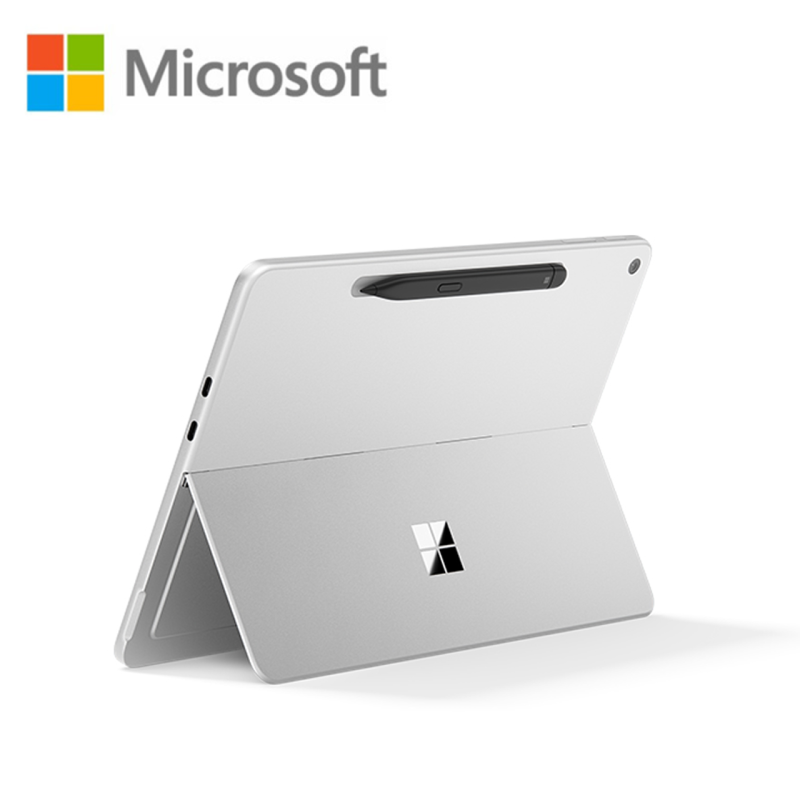
Microsoft Surface Pro 12 EP2-27669 12
RM4,819.00 Save:RM50.00(1%)
Available in stock
(KeyBoard & Pen) Not Include
- Snapdragon® X Plus (8 Core) Processor
- 16GB LPDDR5x RAM
- 512GB SSD
- Qualcomm® Adreno GPU Graphics
- 12" PixelSense™ LCD Display, 2196 x 1464 (220 PPI), 3:2, 10 point multi-touch, 90Hz
- Windows 11 Home
- 1 Year Microsoft Malaysia Warranty
FAQ
Frequently Asked Questions about the Microsoft Surface Pro 12 EP2-27669 12
What are the features of the Microsoft Surface Pro 12 EP2-27669 12?
(KeyBoard & Pen) Not Include
- Snapdragon® X Plus (8 Core) Processor
- 16GB LPDDR5x RAM
- 512GB SSD
- Qualcomm® Adreno GPU Graphics
- 12″ PixelSense™ LCD Display, 2196 x 1464 (220 PPI), 3:2, 10 point multi-touch, 90Hz
- Windows 11 Home
- 1 Year Microsoft Malaysia Warranty
Microsoft Surface Pro 12 EP2-27669 12″ PixelSense Touch Laptop Platinum ( SD X PLUS, 16GB, 512GB SSD, Qualcomm, W11 )
How much does the Microsoft Surface Pro 12 EP2-27669 12 cost?
The normal price is RM4,869.00, but it is currently on sale for RM4,819.00. You save RM50.00 (1% off)!
How much is the shipping fee for the Microsoft Surface Pro 12 EP2-27669 12?
Shipping fees depend on your location and order size. Standard shipping within Peninsular Malaysia starts from RM20.
How long does delivery take for the Microsoft Surface Pro 12 EP2-27669 12?
For ready-stock items, delivery within Peninsular Malaysia typically takes 2-4 working days. Deliveries to East Malaysia generally take 5-10 working days. Feel free to browse our full shop catalog for more ready-stock hardware.
Can I collect my order in person?
Please contact us to arrange for self-collection if available. WhatsApp 011-5682 2590 for details.
What payment methods do you accept for the Microsoft Surface Pro 12 EP2-27669 12?
We offer a wide range of payment options to suit your needs. Checkout securely using major credit cards, FPX online banking, DuitNow, popular e-wallets (Touch 'n Go, ShopeePay, GrabPay), or digital wallets like Apple Pay and Google Pay. For our B2B clients, we also offer direct corporate invoicing.
Does the Microsoft Surface Pro 12 EP2-27669 12 come with a warranty?
Yes, all IT hardware and electronics sold by TiraTech come with an official manufacturer warranty. Please keep your invoice as proof of purchase for any future warranty claims.
Can I extend the warranty?
Extended warranty options may be available for certain products. Contact us for details.
Is the Microsoft Surface Pro 12 EP2-27669 12 100% original and brand new?
Yes, absolutely. All items sold at TiraTech, including the Microsoft Surface Pro 12 EP2-27669 12, are 100% genuine, brand new, and sourced strictly from official local distributors. An official invoice will also be provided with your purchase.
Can you provide customized solutions for our company?
Yes, we can tailor IT solutions based on your business needs. WhatsApp us or visit our Corporate Sales page.
Can I request a quotation for bulk orders of the Microsoft Surface Pro 12 EP2-27669 12?
Absolutely. We specialize in B2B IT procurement. If you need a larger quantity or an official quotation, please visit our Corporate Sales page or WhatsApp us directly.
How can I contact TiraTech for this product Microsoft Surface Pro 12 EP2-27669 12?
You can reach our team via:
- WhatsApp: 011-5682 2590
- Email: contact@tiratech.com.my
- Website: Contact Us page
Warranty
Manufacturer's Warranty
Steps to Claim Microsoft Warranty
1. Check Your Warranty Coverage
Before initiating a claim, verify your product's warranty status. You must add your Surface, Xbox, or Microsoft accessory to your Microsoft account. Locate your device's Serial Number and register it at the official Microsoft Account Devices portal to confirm your current coverage.
2. Prepare Your Information
To ensure a smooth process, have the following ready:
- Your device's Serial Number.
- Microsoft Account: An active Microsoft account is required to log a service request.
- Proof of Purchase: A valid purchase invoice. If the warranty status online does not reflect your actual purchase date, you will need to submit this invoice to Microsoft support to update the warranty.
- A clear description of the issue.
3. Run the Surface Diagnostic Toolkit (Recommended for Surface Devices)
If your Surface device can still turn on and boot into Windows, Microsoft highly recommends running the Surface Diagnostic Toolkit (downloadable via the Microsoft Store). This app can automatically find and fix common software issues or confirm if a hardware fault exists, speeding up the support process.
4. Create a Service Order / Contact Support Malaysia
Most Microsoft hardware claims are handled strictly through their online service portal:
- Online Service Request: Go to your Devices page, select the registered device that needs repair, select "Info & support", and then choose "Start order" or "Get support" to initiate the RMA process.
- Microsoft Support Portal: For guided troubleshooting, live chat, or to request a callback from a support agent, visit the Microsoft Contact Us page and select your specific device category (Surface, Xbox, PC Accessories).
5. Service Methods
Service procedures depend on the type of Microsoft product you own:
- Mail-In / Courier Service: For most Surface devices and Xbox consoles, Microsoft will provide you with a shipping label or instructions to package the device and send it to their regional repair center.
- Accessories: Faulty Microsoft mice, keyboards, or webcams often require providing proof of destruction or simply submitting photos and proof of purchase for a direct replacement to be mailed to you.
Important Warranty Information
- Data Backup: Microsoft strongly advises backing up all personal data before sending in a device, as units are often wiped or replaced entirely with certified refurbished devices during the service process.
- Voiding the Warranty: The standard limited hardware warranty does not cover physical damage (cracked screens, deep scratches), liquid damage, or devices that have been opened or tampered with by unauthorized repair centers.
- Microsoft Complete: If you purchased Microsoft Complete (Extended Warranty & Accidental Damage Protection) with your device, you are covered for accidental drops and spills. A deductible may apply depending on the claim type.
Disclaimer: The warranty information provided above is for reference purposes only. Specific coverage parameters and claim procedures vary by Microsoft product category. Always refer to Microsoft’s official website or speak to an authorized agent for the most accurate and up-to-date information.


 No products in the cart.
Reviews
There are no reviews yet.